OPM 71 Form
An OPM 71 is a form from the U.S. Office of Personnel Management (OPM).
No credit card required

What is it?
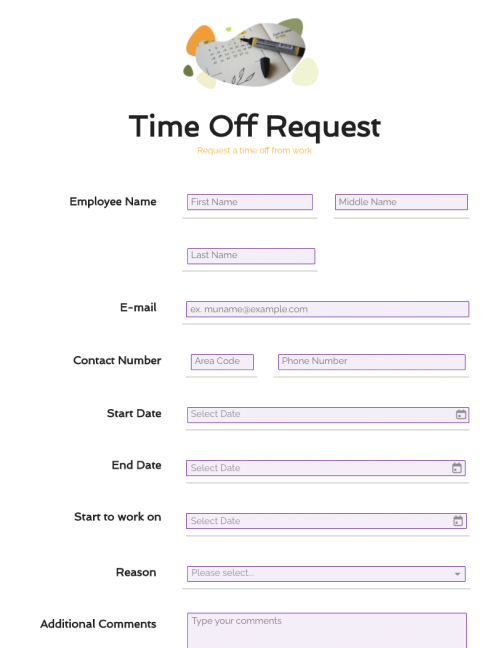
An OPM 71 is a form from the U.S. Office of Personnel Management (OPM). The form is used to request time off in any of the following forms:
Accrued annual leave
Restored annual leave
Advanced annual leave
Accrued sick leave
Advanced sick leave
Compensatory time off
Leave without pay
Family and medical leave
Other paid time off
The OPM 71 is used by government employees to request time off from work for any of the above reasons.
Why Do You Need It?
If you are a government employee, you must request approval for time off, regardless of the reason that you need the time off from work. OPM 71 is the form that the U.S. Office of Personnel Management has designated as the approved document for this purpose.
Tips & Instructions For Use
Completing an OPM 71 form is a straightforward process. You will need to be careful to fill out all required fields, or risk having your time-off request denied. Here’s how to choose which form of time off you’ll need:
Accrued Annual Leave Use this option if you have built up leave over time that you’d like to use now.
Restored Annual Leave Use this option if you are using leave that was restored after having been forfeited previously.
Advanced Annual Leave Use this option to request use of leave that you will accrue in the future.
Accrued Sick Leave Use this option if you’ve built up sick leave that you’d like to use now.
Advanced Sick Leave Use this option to use sick leave that you’ll accrue in the future.
Compensatory Time Off This option is only available to those who’ve been granted compensatory time off due to special circumstances, such as in lieu of overtime pay.
Other Paid Absence Used to request time off for reasons not covered by any other time off option. Be careful not to use this option if any of the other time off options apply.
Leave Without Pay Use this option to request unpaid time off. Keep in mind that your time off request can still be denied.
Family & Medical Leave Use this if your leave falls under the FMLA Act. Relevant reasons include birth, adoption, and serious health emergencies.
Once you’ve indicated the type of time off that you’re requesting, add your comments, signature, and date in section 7.
Do not fill out section 8. This section is left blank for your supervisor to complete once you’ve submitted the OPM 71 form.
Helpful Information
Always fill out an OPM 71 form when you need to take time off from work, even if your supervisor has given verbal approval. This will ensure that your accrued time off is accounted for properly, and will prevent any administrative issues from interfering with your time off request.
What is an OPM 71?
OPM-71, also known as the Request for Leave or Approved Absence form, is a document that federal employees need to fill out to request time off from work. It’s used by the U.S. Office of Personnel Management (OPM) and includes details such as social security number, the type of leave, compensatory time off, etc.
How do I complete OPM Form 71?
You can fill out the OPM-71 form digitally or otherwise. If you use PandaDoc, you can add your details with our editorial tool and sign the document with our eSign software. You need to have details like your SSN, reason for leave, leave dates, etc., at hand before filling out the form (because they’ll be asked in the form).
How do I request a leave for a day (or more)?
Begin by mentioning the following details: the dates you want your leave on, if it’s a sick leave or an annual leave, the purpose of the time off, and if it’s a compensatory time off or a leave without pay. Fill out other details in the form and sign the document. Please note that you only need the OPM-71 if you’re a federal employee.